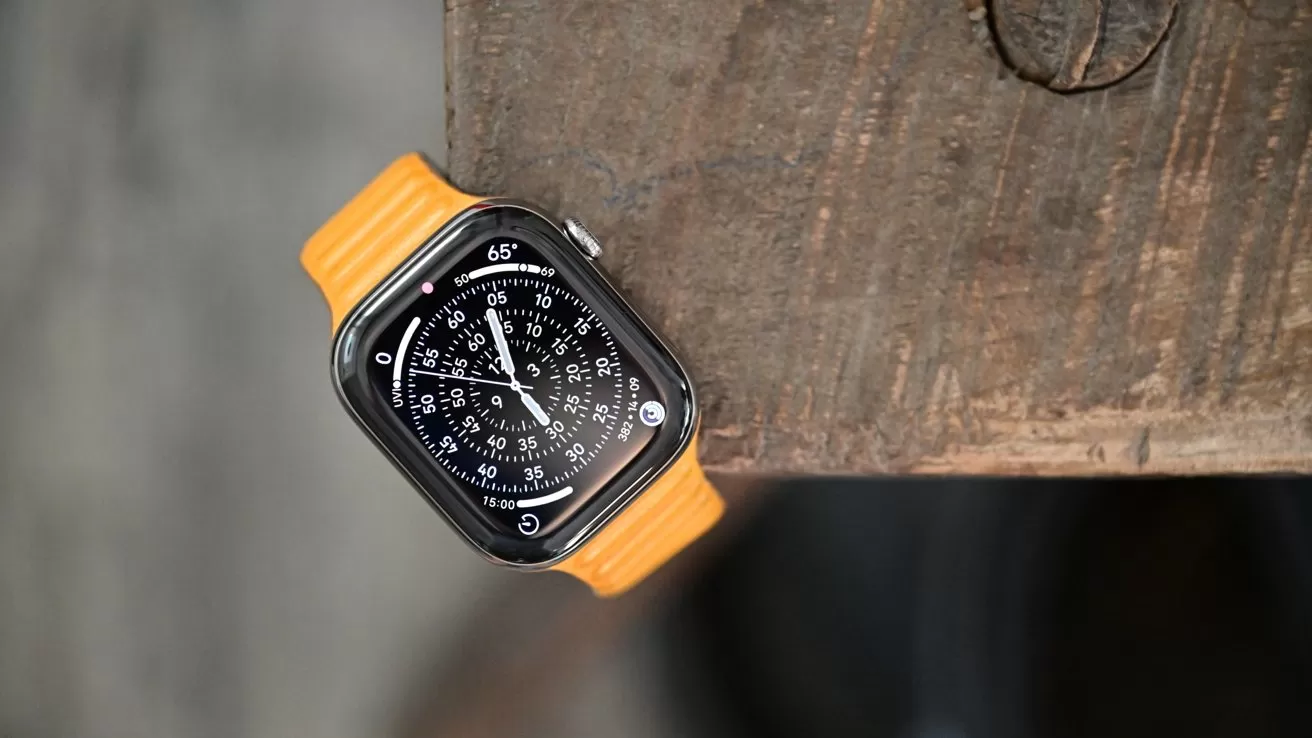
It's time to update your Apple Watch, but don't get too excited; watchOS 26.6 doesn't appear to have any significant new features.
Apple has just released watchos 26.6, a relatively minor update. This time, watchOS 26.6 is build number 23U67.
Because there's nothing mentioned within the software notes, it's a safe bet that any updates are focused on stability improvements and bug fixes. This isn't surprising, as Apple Watch receives relatively few updates between major cycle upgrades.
Even barring any exciting updates, it's still a good idea to go ahead and update your Apple Watch. These minor updates are critical for keeping your Apple Watch running smoothly.
The Apple Watch will update on its own over the air. However, if you want to force the update, you can do so by following the steps below.
How to update to watchOS 26.6
- Ensure the Apple Watch is charged to at least 50% and connected to Wi-Fi
- On your Apple Watch, open the Settings app
- Tap General
- Tap Software Update
- Tap Install if a software update is available
- Follow the on-screen instructions
How to update to watchOS 26.6 via iPhone
- Ensure your watch is charged to 50% and connected to Wi-Fi
- On your iPhone, open the Apple Watch app
- Tap General
- Tap Software Update
- Download the update if it is available
- Follow the on-screen instructions