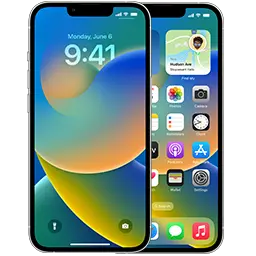
On iOS 16.4 or later: open Settings → General → Software Update → Beta Updates and choose “iOS Developer Beta”. Sign in with the Apple Account that is enrolled in the free Apple Developer Program. On iOS 16.3 or earlier, install the profile below from Safari, then restart.
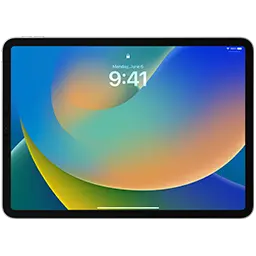
On iPadOS 16.4 or later: Settings → General → Software Update → Beta Updates → “iPadOS Developer Beta”. On older versions, install the profile below from Safari and restart.
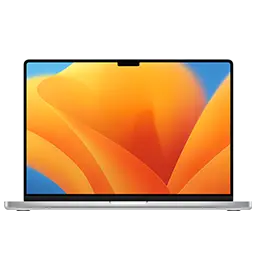
On macOS 13.4 or later: System Settings → General → Software Update → click the ⓘ next to Beta Updates and choose “macOS Developer Beta”. For macOS 13.3 or earlier, run the Beta Access Utility below.
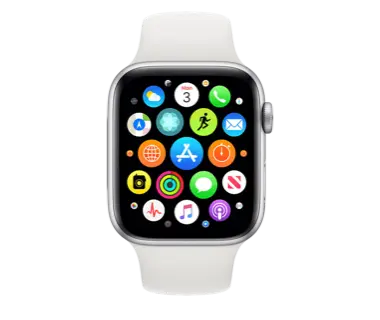
Your iPhone must run the matching iOS beta first. Then open the Watch app → General → Software Update → Beta Updates and pick “watchOS Developer Beta”. Make sure the watch has at least 50% charge.
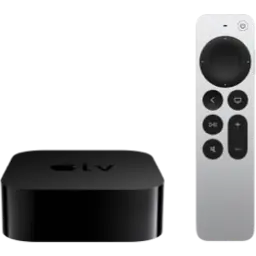
On tvOS 16.4 or later: Settings → System → Software Updates → Get Beta Updates. On older versions: Settings → General → Privacy → highlight “Send Apple TV Analytics”, press Play/Pause, enter the profile URL below and install.
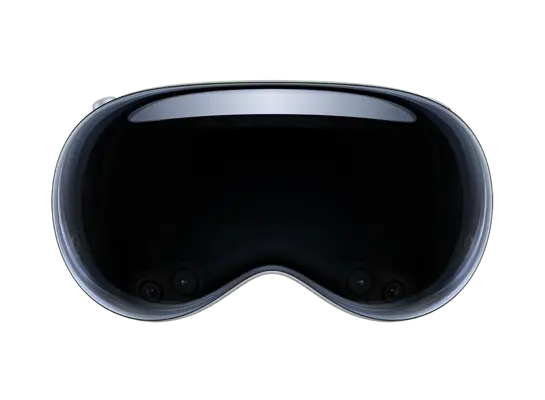
Open Settings → General → Software Update → Beta Updates and choose “visionOS Developer Beta”. visionOS cannot be downgraded without Apple’s Developer Strap, so only install betas on a device you can afford to troubleshoot.
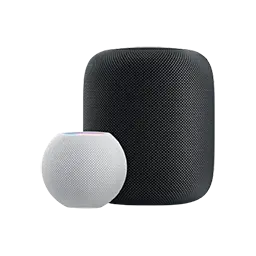
HomePod betas are invite-only through the AppleSeed program. Enrolled members enable them in the Home app → Home Settings → Software Update → Beta Updates. HomePod cannot be downgraded.
Recent beta builds
Before you install a beta
- Back up first. Going back to the public release means erasing the device and restoring a signed IPSW.
- Apple Watch and HomePod cannot be downgraded. Only install betas on them if you can live with bugs until the final release.
- Leaving the beta: turn Beta Updates off. You will move to the next public release automatically when it ships.
Want to go back right now? Grab the latest signed firmware from the signing status page.