iOS 26.6 is now available for iPhone, adding stronger protections for Apple Maps, a warning for users who reach the blocked-contact limit, and the usual collection of security and reliability fixes.
The update isn't packed with major features, as Apple has shifted most of its development attention to iOS 27. However, testing uncovered a potentially significant security change intended to limit the damage malicious data could cause in Apple Maps.
Apple also added a clearer warning for the relatively small number of users who accumulate thousands of blocked callers. The change addresses an obscure limitation that could otherwise prevent someone from blocking another number without explaining why.
The release build of iOS 26.6 is number 23G71.
Apple Maps gains stronger security protections
The first iOS 26.6 beta introduced an internal framework called Maps Blastdoor, suggesting that Apple has extended its sandboxing protections to Apple Maps.
A BlastDoor-style service processes potentially untrusted data inside a tightly restricted environment before passing the results to the main app. If specially crafted content exploits a software flaw, the sandbox is intended to prevent the malicious code from accessing personal information or other parts of the operating system.
Apple originally introduced BlastDoor in iOS 14 to isolate text and attachments received through Messages. The service restricted file-system access, network communication, hardware interaction, and connections to most other system processes.
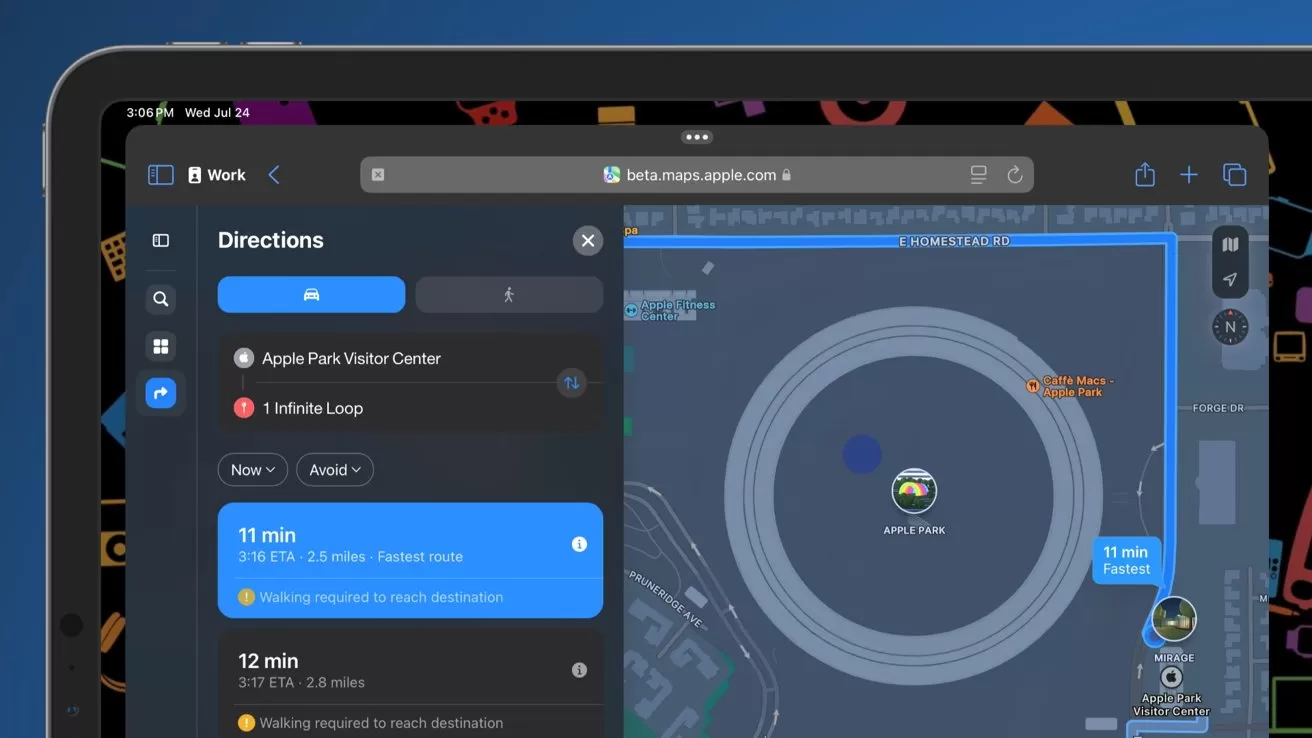 A BlastDoor-style service processes potentially untrusted data inside a tightly restricted environment.
Apple hasn't documented the Maps implementation or identified the information it handles. However, Apple Maps routinely processes complex data from servers, shared locations, links, place information, images, and routing services.
The framework's presence doesn't prove that Apple discovered a specific Maps attack. Instead, it appears to add another barrier that an attacker would need to escape before a flaw in Maps could compromise the wider system.
iOS 26.6 explains the blocked-contact limit
iOS 26.6 also adds an alert when an iPhone reaches the maximum of 20,000 blocked contacts. Users must remove an existing entry before they can block another caller.
Earlier versions of iOS could prevent users from adding another number after reaching the limit without clearly explaining the problem. The new message makes the restriction visible and directs users to manage the existing list.
Blocked numbers can be reviewed by following these steps:
- Open Settings.
- Select Apps.
- Tap Phone.
- Choose Blocked Contacts.
Few users are likely to approach 20,000 blocked entries manually. However, the limit may become relevant to people who have accumulated years of spam calls or imported large contact lists.
Why you should install iOS 26.6
iOS 26.6 is a late-cycle update focused more on hardening the current operating system than expanding it. The limited number of visible changes may make the release less exciting, but security improvements such as Maps Blastdoor could matter more than another minor interface feature.
Apple tested six developer builds before issuing the release candidate. The extended beta cycle gave developers and testers time to identify compatibility and stability problems before the public launch.
Security fixes are the strongest reason to update promptly. Even users who don't rely heavily on Apple Maps or maintain extensive blocked-contact lists benefit from patches covering other parts of iOS.
Which iPhones support iOS 26.6
iOS 26.6 works with every iPhone that supports iOS 26. The compatibility list begins with the iPhone 11 family and the second-generation iPhone SE.
Supported devices include:
- iPhone 17, iPhone 17 Pro, iPhone 17 Pro Max, and iPhone Air
- iPhone 16e, iPhone 16, iPhone 16 Plus, iPhone 16 Pro, and iPhone 16 Pro Max
- iPhone 15, iPhone 15 Plus, iPhone 15 Pro, and iPhone 15 Pro Max
- iPhone 14, iPhone 14 Plus, iPhone 14 Pro, and iPhone 14 Pro Max
- iPhone 13, iPhone 13 mini, iPhone 13 Pro, and iPhone 13 Pro Max
- iPhone 12, iPhone 12 mini, iPhone 12 Pro, and iPhone 12 Pro Max
- iPhone 11, iPhone 11 Pro, and iPhone 11 Pro Max
- iPhone SE, second generation and later
Apple dropped support for the iPhone XS, iPhone XS Max, and iPhone XR with the original iOS 26 release. A complete breakdown of compatible models is available in AppleInsider's device guide.
How to install iOS 26.6
To install iOS 26.6:
- Open Settings.
- Tap General.
- Select Software Update.
- Tap Update Now or Update Tonight.
The iPhone should have enough available storage to download and prepare the update. Connecting it to power and a reliable Wi-Fi network can help prevent an interruption during installation.
Apple rolls software updates out gradually, so iOS 26.6 may not appear on every eligible iPhone immediately after release.