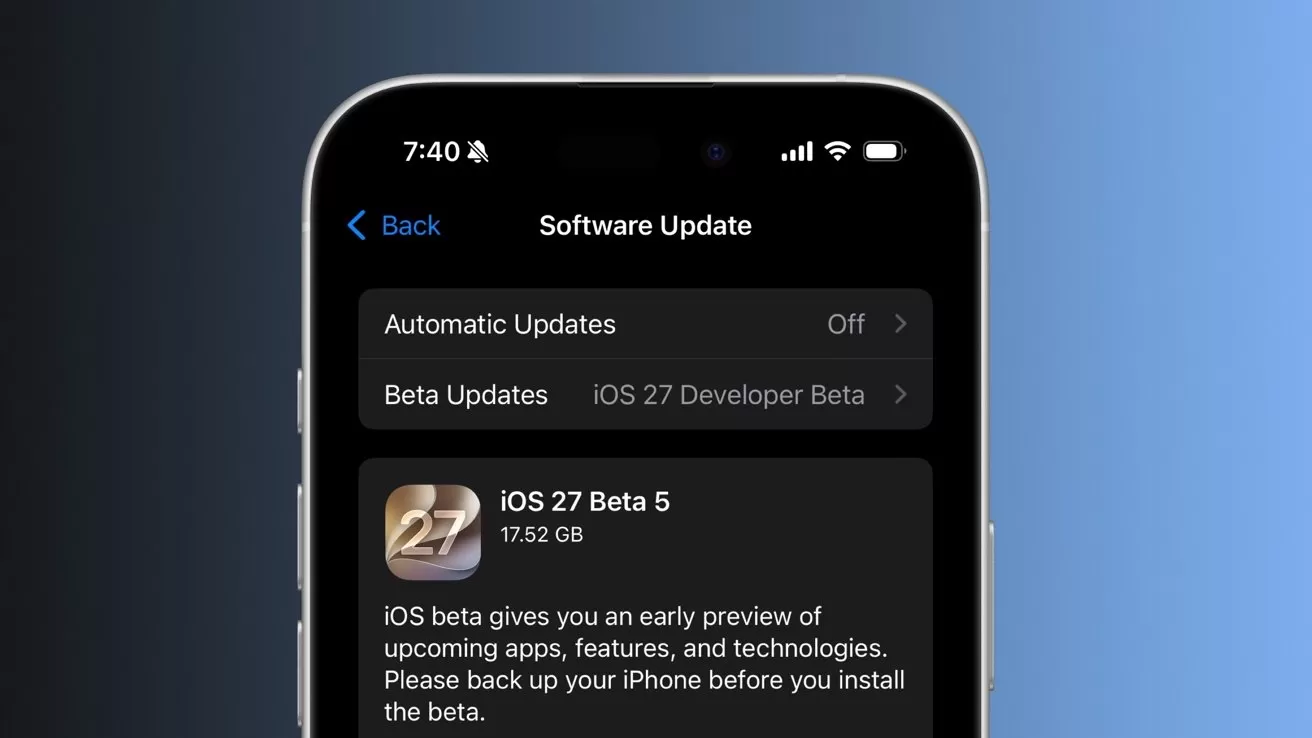
Apple's fifth developer beta of iOS 27 has just arrived, and with it, redesigned icons for several key apps, and a lot more than normal than this late in the beta cycle. Here's what's new.
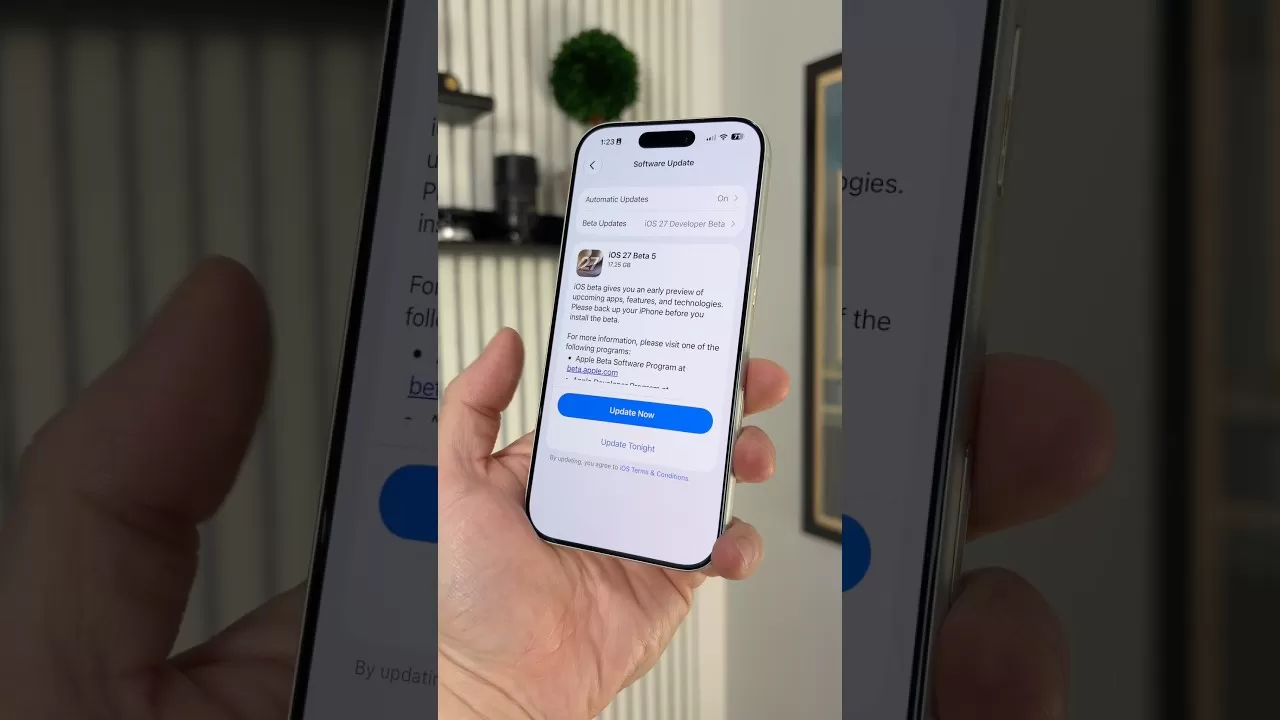
On Monday, three weeks after the release of iOS 27 beta 4, Apple made the fifth developer beta available for download. iOS 27 beta 1 introduced the long-overdue Siri AI, while the second beta included improvements to the Apple Home and Apple Wallet apps.
The third beta brought additional voice customization options for Siri AI, in the form of pace and expressivity sliders, albeit only for American English voices. Monday's iOS 27 developer beta, however, expands these settings to British English voices.
Still, the new settings aren't available across all devices running iOS 27. Advanced Siri AI features require at least 12GB of RAM on iOS 27, hence the restriction, meaning the new voice sliders can only be found on an iPhone 17 Pro, iPhone 17 Pro Max, or iPhone Air.
As with most beta updates, visual tweaks are also present in iOS 27 beta 5. Icons for the Preview, Remote, Safari, Settings, and Siri applications have been updated, as has the Orders icon in the Apple Wallet app.
The Siri icon now features a more prominent Liquid Glass look, while the app icon for Safari now has a dot in the center. Apple has also included new update screens when the Apple Wallet, Apple Music, App Store, and Photos apps are launched for the first time.
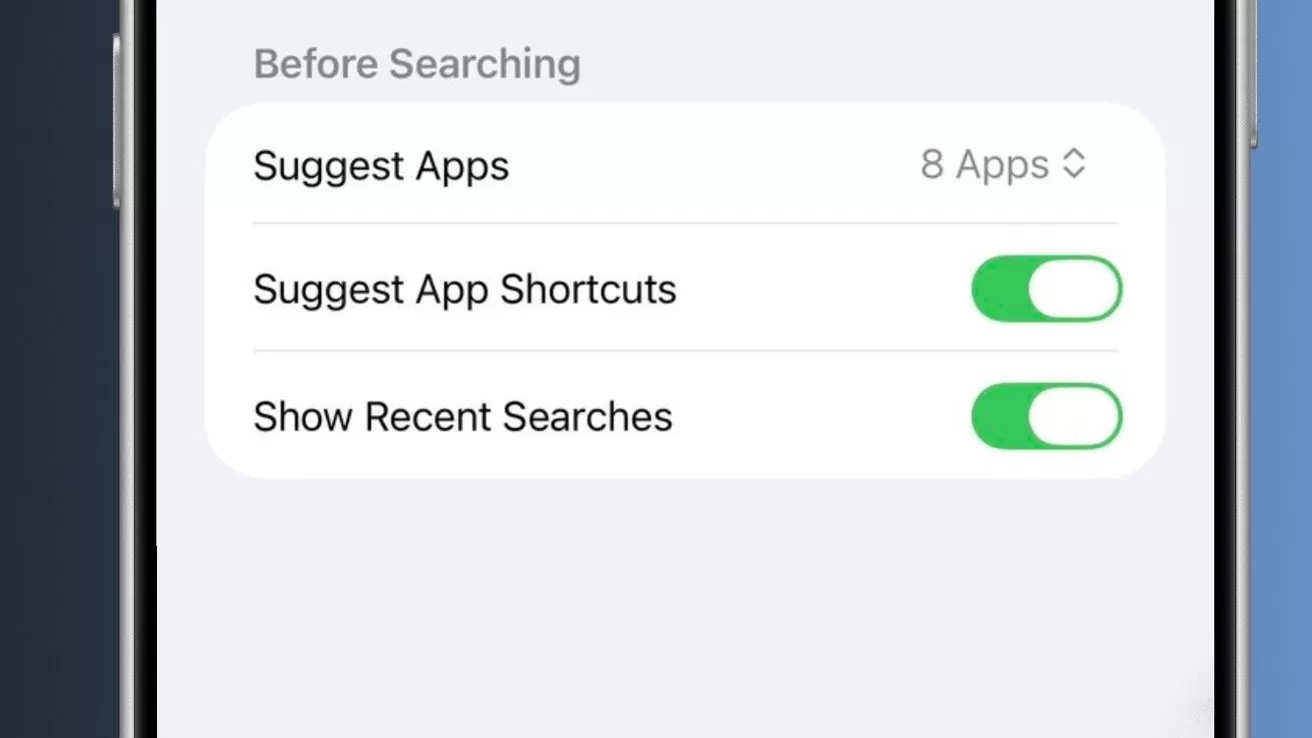
iOS 27 beta 5 features a new 'Before Searching' option in the Settings app.
In the Settings app itself, under the Search Settings section, Apple has added a new option labeled Before Searching. This lets users choose how many apps appear as suggestions during searches, among other things.
Additionally, the Settings app now also shows when the most recent iOS update was installed. This detail could be useful for those who rely on automatic software updates.
Apple has also tweaked the Control Center with iOS 27 beta 5. Cellular network types are no longer displayed, so you won't see "5G" or "LTE" when your phone is connected to a Wi-Fi network. However, the Control Center and Status bar do feature new cellular icon bars.
Meanwhile, when a screenshot is taken on Monday's beta, the the annotations toolbar will now shrink and hover. It's a neat visual modification, but nothing groundbreaking.
Overall, the fifth developer beta of iOS 27 is a relatively light release. Aside from the updated app icons, Siri voice settings, and Before Search settings, the beta doesn't offer anything the average user would notice.