
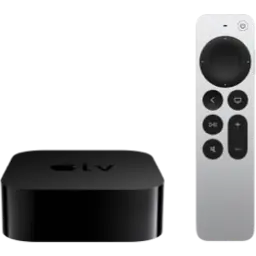
Apple TV firmware downloads
4 models · 4 still receiving signed tvOS updates. Pick your model to see every tvOS IPSW available for it.




No models match your search.
How to install an tvOS IPSW on your Apple TV
- Find your exact model: open Settings → General → About and tap the model number, or use our device identifier.
- Download the IPSW for your model from its page. Only versions marked Signed can be installed.
- Connect the device to a Mac (Finder) or Windows PC (Apple Devices or iTunes).
- Hold Option on Mac or Shift on Windows and click Restore Apple TV, then choose the IPSW file.
Restoring erases everything on the device. Back up to iCloud or your computer first. More answers in the firmware FAQ.